
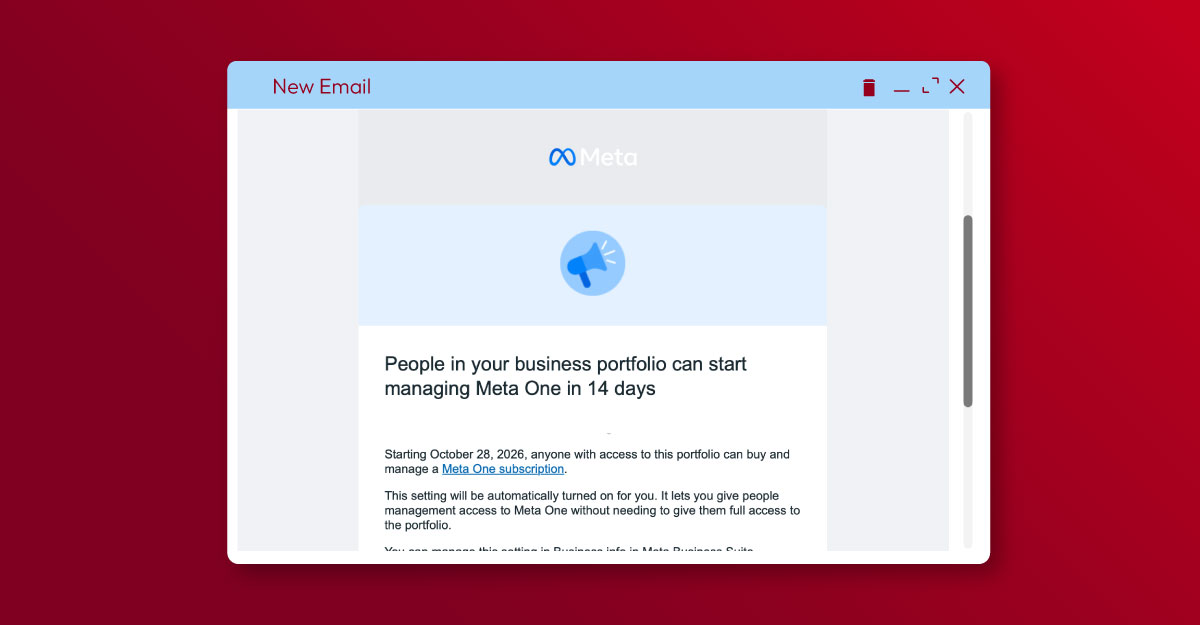
Many brands who are using Meta for content on Facebook or Instagram are seeing active prompts to sign up for Meta One, their new advertising subscription service. This is targeted at business, creators and individuals. It’s being driven hard in their emails, prompts and also the changes to functionality on the platform. It appears that these subscriptions will replace the Meta Verified Subscriptions that were previously offered.
The business subscription offers four subscription tiers, ranging from Essential ($14.99 USD per month) to Max ($499 USD per month). Each tier offers a raft of services, from a Verified Badge, AI agent use, improved access to “human” support and clickable links on your Facebook and Instagram posts and Reels. There are additional benefits for WhatsApp too.
Whilst some of the other features are a bonus, it’s the ability to have clickable links with the paid subscription that have attracted the most attention. We already have clickable links for our Facebook posts, so why would we want to pay for them? The answer is because Meta is reducing the number of links you can add to your posts per month to just two. (This has already rolled out to some business pages and we can expect it to continue over the coming months in Australia).
If you want to use more links than that, businesses will need to sign up to the Advanced, Expert or Max subscriptions (Essential ($14.99 USD per month) only offers a link in bio page). Here’s how it will work:
- Advanced ($49.99 USD per month) – 8 x clickable links in posts and Reels for Facebook
4 x clickable links in posts and Reels for Instagram - Expert ($149 USD per month) – 20 x clickable links in posts and Reels for Facebook
8 x clickable links in posts and Reels for Instagram - Max ($499 USD per month) – Unlimited clickable links in posts and Reels for Facebook
12 x clickable links in posts for Instagram, 12 x clickable links in Reels for Instagram
Should we sign up for Meta One?
This depends on the results you are getting from the links you currently use in your organic content. Our guess is that your links are not driving as much traffic as they used to. Go and look at your Google analytics to confirm just how much organic social is driving traffic, and it will give you a clue. Meta has “apparently” been suppressing content with links for years to keep people on the platform and/or to drive businesses to utilise Meta ads instead. We’ve definitely seen this in our Google Analytics data. This is why your Meta ad strategy is more important than ever to get right. It is pay-to-play, but that’s not to say we won’t try a few workarounds!
If you need to reach out to Meta for support, it may also become necessary to have a paid subscription. We’ve had chats on the older support channels go unanswered for over a month now since this paid support was rolled out, so unfortunately it’s appearing this new tactic may be the only way to be able to get issues resolved.
How do the restrictions on link clicks work?
Are there workarounds for not using Meta One to add links to social posts?
Instead of adding a link to the caption, how about calling out the url in your Reel, so it appears in your captions if you’re recording a voice-to-camera Reel or adding a voiceover? Instagram’s “no links” rule has forced us to use “link in bio” and “Comment” tactics for a number of years now. Give this a go on Facebook before you jump straight into a subscription.
Other brands appear to be investigating some of the automated responders like ManyChat to give links to pages – it’s still early days so many are testing and trialling.
What to do next?
It’s a timely reminder about the importance of building your owned assets rather than relying on social media platforms that we cannot control. We often say you should not build your house of foreign soil and this is yet another example of why and how things can change without your control. Think about how you’re building your email lists and prioritise this in your communications mix; it may be another reason to reiterate the importance of getting data to your teams.
Strategically think about your paid media strategy on social media. For some of our clients, this limit of links does not have an impact because those pieces of content that really matter already have a paid strategy behind them. Make sure you’re targeting accordingly and watch the analytics to make sure you are optimising results effectively.
Reach out if you have any questions. Remember this is an evolving space, so let the data help to shape your decision making.


